A family time capsule for after your passing
A digital time capsule is a collection of personal material prepared now for someone to open later. For this guide, the intention is specific: messages and memories for your family after your passing has been verified and release authorized. Instead of placing objects in a box, you gather words, recordings, photographs and useful context in digital form, then make a clear plan for who should receive them and when.
Its value is not the number of files. It is the intention around them. A photograph becomes more meaningful when someone knows who is pictured, what happened that day and why you chose it. A short recording can preserve a familiar greeting that a folder name never could.
Your capsule can capture an ordinary chapter of life or offer encouragement your family can return to after you’re gone. A general-purpose time capsule might instead be opened together while everyone is living; that is a different use case. YoursSomeday is not a general-purpose living scheduled-message service.
Messages and memories your loved ones can keep
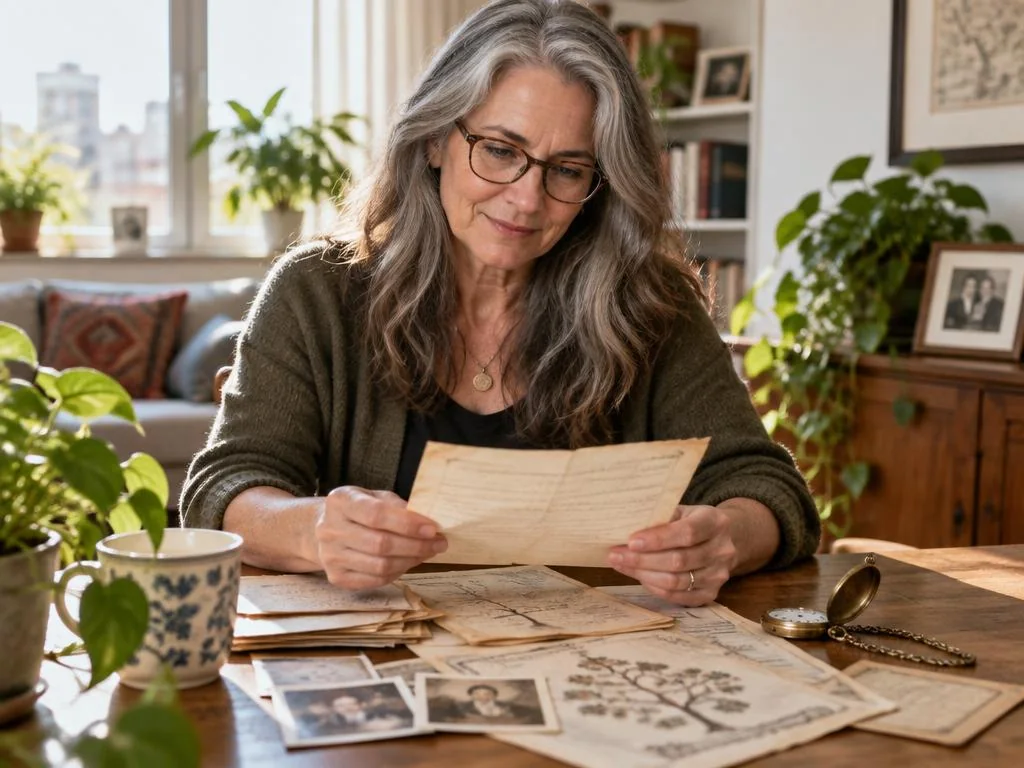
Choose material that will still make sense without you beside the reader to explain it. Add names, context and dates when you know them; mark uncertainty honestly. Keep a small, coherent collection rather than a large unexplained archive.
For audio or video, use a quiet space, speak naturally and play the recording back before saving it. Familiar words matter more than a polished performance. Ask before including someone else’s images, voice or private story, especially material involving children.
- A letter for one loved one, with gratitude, encouragement or a shared memory.
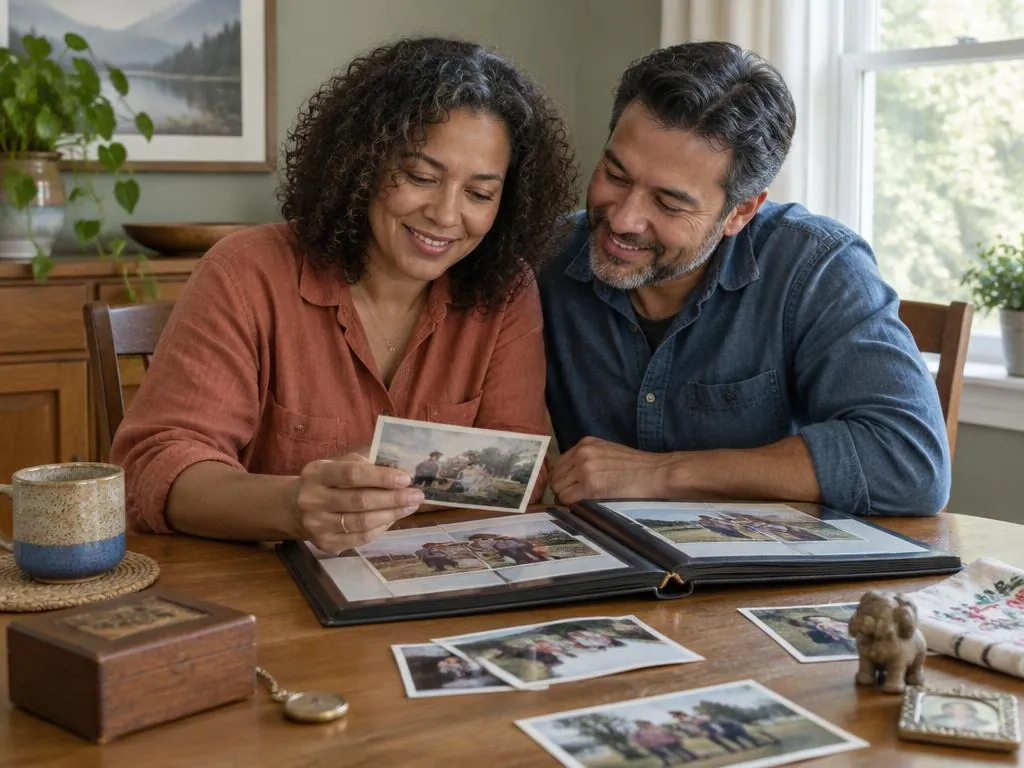
- Photos with captions explaining the people, place and story behind them.
- Audio of a family story, a familiar phrase or a recipe being explained.
- A short video greeting or a memory told in your own words.
- Recipes, scanned letters or keepsake details with an explanation of why they matter.
- Useful information such as where official records are kept and whom to contact, separate from emotional messages.
Choose who each capsule is for
A story for the whole family and a personal letter to one person need not share an audience. Separate collections when their purpose or privacy differs. Think about what the recipient would welcome, not only what you want to say.
Check contact details and review them as the family changes. If you are preparing something for a young child, consider how they might understand it later without assuming their future relationships, career or life choices. Warmth can travel further than an instruction about who they should become.
In YoursSomeday, different Capsules can have different recipients. Being named as a recipient does not itself make private content available, and a Trusted Verifier’s verification role does not give them automatic access to your messages.
Birthdays and milestones: timing after verified passing
You might imagine words for a future birthday, a milestone age or a family anniversary after you’re gone. Write down both the intended moment and the conditions for sharing. In YoursSomeday, reaching that date or age while you are living does not trigger a post-death Capsule. The timing instructions sit behind verification and separate release authorization; they do not replace either safeguard.
YoursSomeday lets you save release instructions for future dates, annual dates, birthdays and milestone ages for post-death Capsules. These instructions do not bypass verification or release authorization. It is not a general-purpose living scheduled-message service. Automated post-death verification and delivery are still being completed and tested during Early Access, so preparation today is not a guarantee of finished automated delivery.
Do not put the only copy of urgent instructions inside a future time capsule. Information someone may need immediately should have an appropriate accessible route now. Funeral Planning Capsules offer a separate owner-directed Share Now option while you are living.
Privacy, security and keeping your own copy
Before choosing a home for your capsule, ask who can access drafts, how recipients are identified, what triggers sharing, and what happens if your contact details change or the service stops operating. Read the current policies instead of assuming that ‘private’ promises permanence or perfect security.
YoursSomeday encrypts Capsule contents and attachments before they are stored using its current controls. No online service can promise perfect security. Keep independent copies of irreplaceable photos and recordings, check that they open, and review your plan occasionally.
Include only the sensitive information a recipient genuinely needs. Prefer document locations, official recovery routes and useful contacts over passwords, authenticator codes or recovery keys. A capsule is not permission to access someone else’s account.
How it differs from a will and ordinary cloud storage
A will or estate plan deals with legal decisions and authority according to the relevant law and documents. A digital time capsule carries personal words, memories and context. It does not distribute property, appoint a guardian or give a person legal authority. YoursSomeday does not replace a will, trust, attorney, estate plan or legal advice; ask an appropriately qualified professional about legal decisions.
Ordinary cloud storage is useful for organizing and backing up files, and sharing settings vary by provider. A time capsule adds a purpose: this material is for this person at this intended moment. Storage alone does not establish a future delivery plan, but a capsule service should not be your only backup either. The two can complement one another.
Prepare one post-death family capsule, step by step
Set aside a little time for one meaningful collection. You can save a partial draft and come back; finishing an archive is not a prerequisite for beginning.
- Choose one person and one purpose for after your passing: a story, a thank-you or something useful to know.
- Gather a few items and add the context that makes each understandable.
- Name the recipient and check their contact details; separate private messages for different people.
- Choose post-death timing, such as a future birthday or milestone age, and review verification and release conditions. A saved date is not a living scheduled send.
- Review the words, attachments and privacy choices. In YoursSomeday, save your draft separately from intentionally sealing the Capsule.
- Keep your own copy and revisit recipient details and instructions when circumstances change. Intentionally re-seal changes to a sealed Capsule before they become its active sealed version.
Frequently asked questions
What is a digital time capsule for family?
It is a collection of personal messages, memories and context prepared now for chosen family members. This guide focuses on a capsule intended for after your verified passing, with separate release authorization and clear post-death timing instructions.
Can a digital time capsule include photos, audio and video?
Yes. Digital collections can combine these formats, and a YoursSomeday Capsule can include written content with photo, audio, video and document attachments. Explain what each file means and keep independent copies.
Can I prepare a capsule for a child’s future birthday?
You can prepare words for a future birthday or milestone age. In YoursSomeday, these are saved post-death release instructions and do not bypass verification or authorization. Automated post-death verification and delivery remain in development and testing during Early Access; it is not a general-purpose living scheduled-message service.
Is a digital time capsule the same as a will?
No. It preserves personal material, not legal authority. It complements rather than replaces a will, trust, attorney, estate plan or legal advice.
Do I need to organize all my family files first?
No. Begin with one message or a small set of meaningful files. Add clear context, choose who it is for, and save a draft while you consider the timing.
How can I keep a family time capsule private?
Choose recipients carefully, avoid unnecessary sensitive information, understand the service’s access and release controls, and keep your own copies. No online service can promise perfect security or permanent availability.